Sass x Class = Lea Alcantara
Lea Alcantara is one of the better-known web designers online. At only 27, she has already set up her own design company and has made a name for herself in the design community.
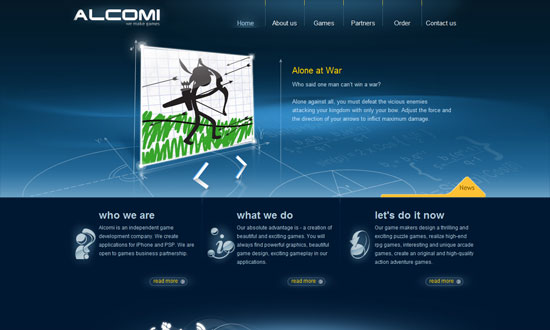
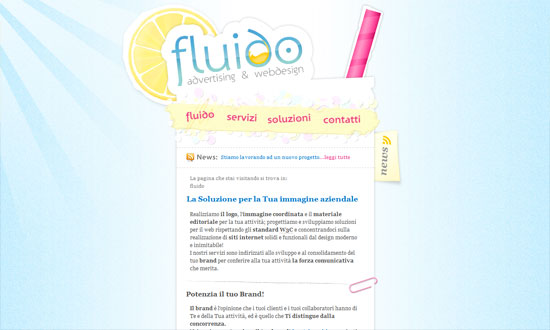
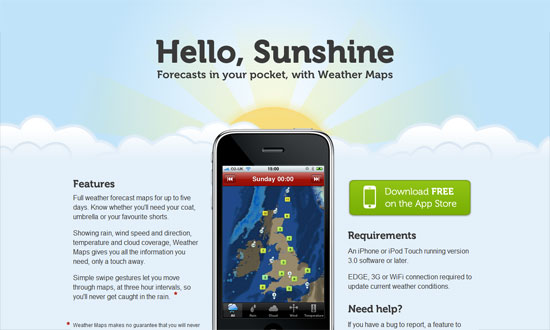
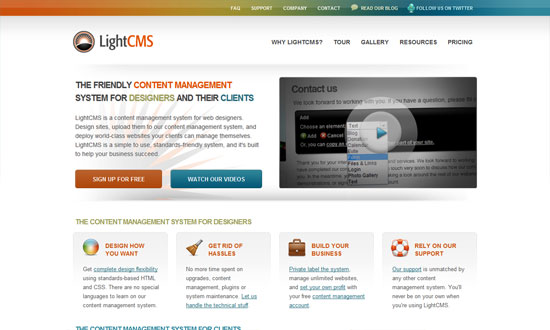
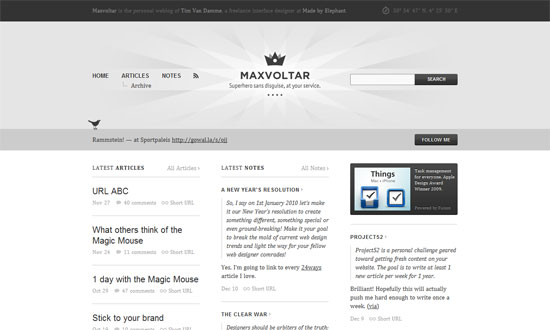
This week on Friday Focus: websites adorned with colorful, abstract flourishes that give movement and energy to the designs.
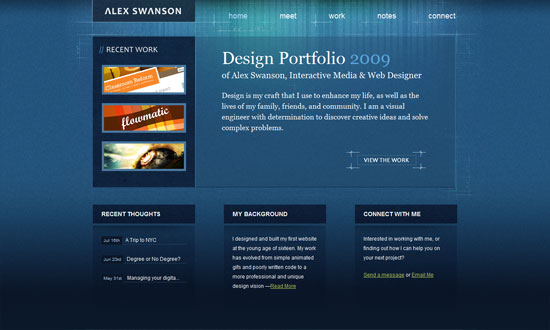
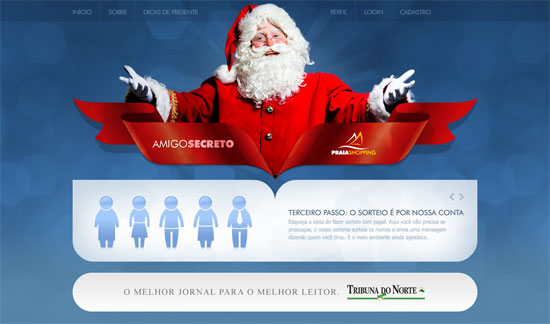
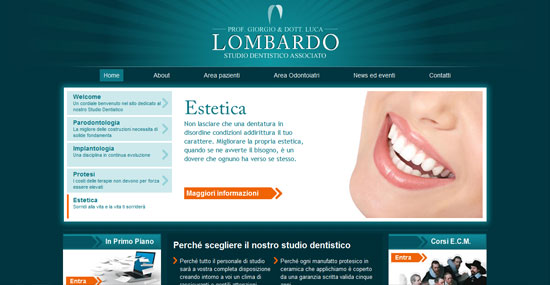
No boxes, barely any straight lines. Just areas of content and the graphics to distinguish the header and footer areas.
The striking graphics here aren’t really part of the overall design but of a specific featured article, and you can expect things to change when the site author publishes a new one. This “art direction” trend/idea is really popular now and a great source of new, ever-changing site designs.
The design needs just a little bit of refining but overall, fun to look at! Check out the icons in the inner pages.
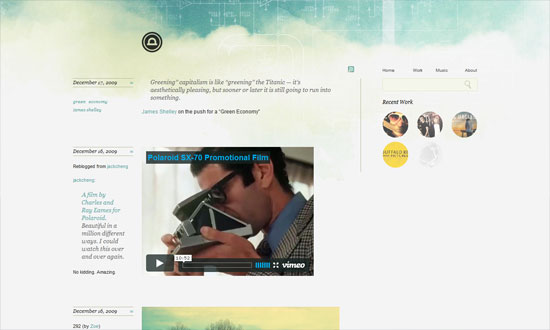
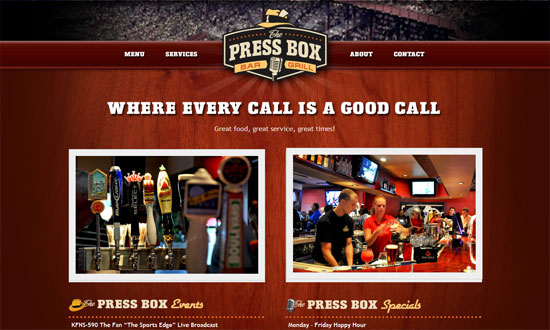
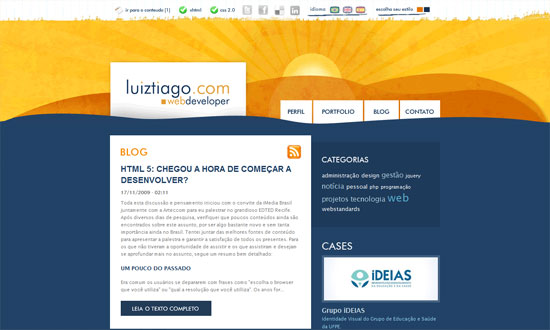
A great photo, a color you can’t go wrong with, and some wavy silhouettes to soften things up, and voila. Stunning.
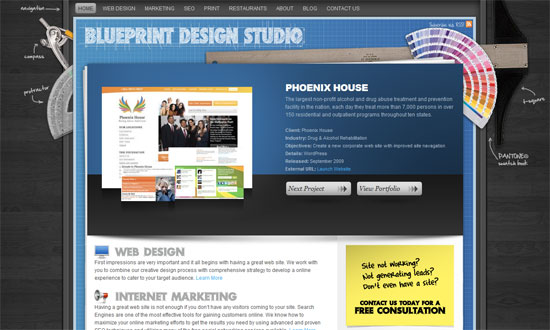
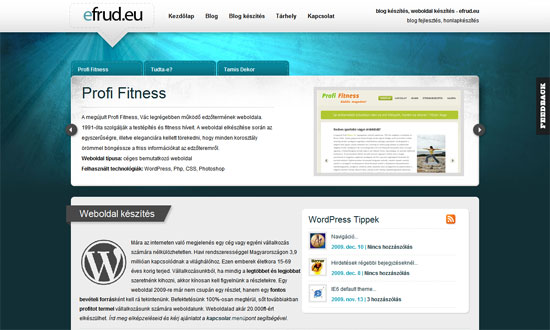
What I really love here is the way the right-side menu was designed. Which is why I’m disappointed the left-side menu doesn’t match. Or why there are two menus on either side like that. Also, there are several fonts used on the site; it can stand to be a little more consistent.
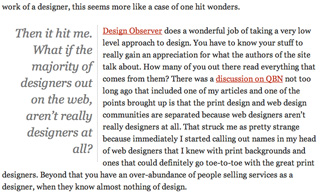
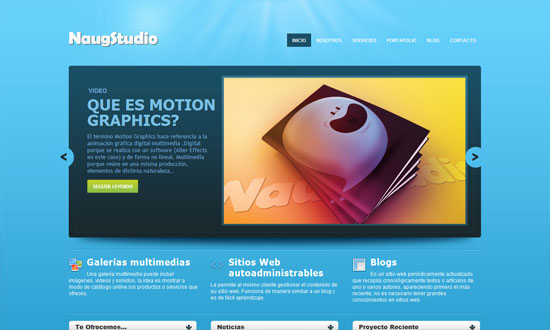
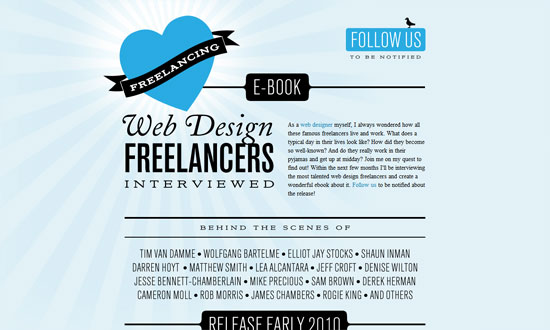
The spacing is a little too tight, and the custom font in the pullquote is not very readable, but other than that I like it.
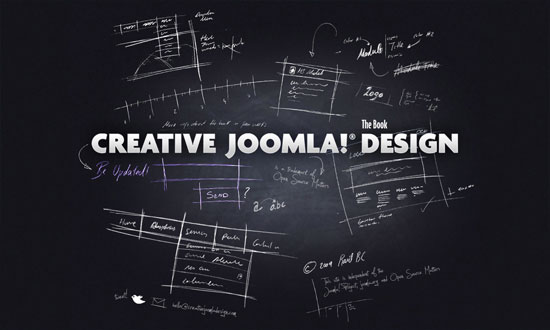
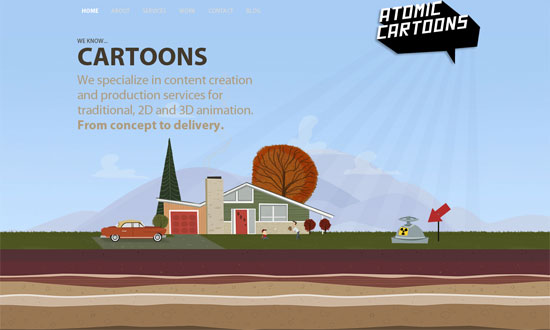
I love how there’s exactly one decorative graphic in the foreground, like a sculpture of sorts. The background pattern is strong too, but not to the point that it’s distracting.
Design – Oldest Design Galleries
Optimization – The real world costs of an heavy website
Business – Contracts 101 – Part 1: Outline
With hundreds of free and premium WordPress themes out there, you want the one you create not only to stand out, but to be as useful as possible to as many people as possible. One way to do this is to “internationalize” it. By doing this, you’re making your WordPress theme ready for translation into any of the languages that WordPress supports. It’s also easier than you think. Here’s how:
Find the functions.php file. This is located in the same directory of your theme (it’s where you set up your widgetized areas as well). If it doesn’t exist, create one.
Put this text into the functions.php file:
load_theme_textdomain ($domain);
You need to change “textdomain” to a word of your choice, something that signifies your theme. For example, if your theme is called The Black Labrador Theme, you might want to select blacklab as your textdomain. Also, make sure you put it inside php tags.
After editing your functions.php file, begin looking through the other templates in your theme. What you’re looking for is text that needs to be internationalized. For example, within the loop on an index.php page, you probably have something like this:
<?php endwhile; else: ?>
<p><strong>Not Found. Please look elsewhere.</strong></p>
<?php endif; ?>
That’s text you’ll want to internationalize. To do that, you need to use either of two functions:
The _e function, for text not within a PHP function, or
The __ function, for text within PHP tags.
So for our example, you’d do this:
<?php endwhile; else: ?>
<p><strong><?php _e(“Not Found. Please look elsewhere.”, “blacklab”); ?></strong></p>
<?php endif; ?>
For text that’s already within PHP tags, such as this common WordPress tag:
<?php the_content((‘Keep reading’));?>
You’ll want to use the double underscore function. Like so:
<?php the_content(__(‘Keep reading’, “blacklab”));?>
And that’s it! If you want to learn more about internationalizing your WordPress themes, I recommend the I18n for WordPress Developers page at the Codex, and visit other excellent guides and tutorials on how to do it.
Do you internationalize your WordPress themes?