When developers and designers start really utilizing the power of flash and the potential it can bring to applications and creative content, a question that frequently arises is how to load data in from a xml page and use it in Flash. This is a quick tutorial to show how easy the process is and once you have these basics the possibilities are endless.
First we will create a simple xml document called images.xml. Here is the code:
<images>

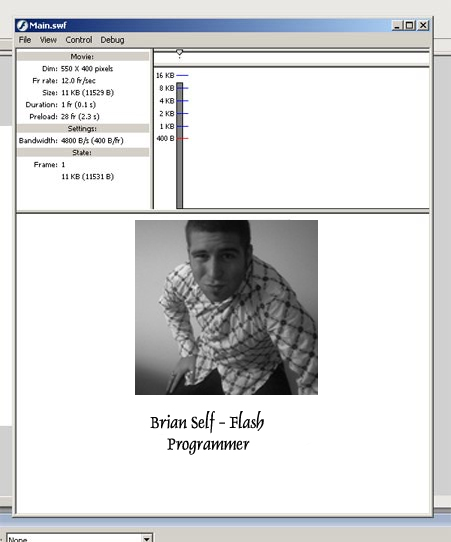
 <image image="img/img1.jpg" caption="Brian Self- Flash Programmer"/>

</images>
We are only going to use one simple xml node to keep it simple. Save this file in a directory called xml.
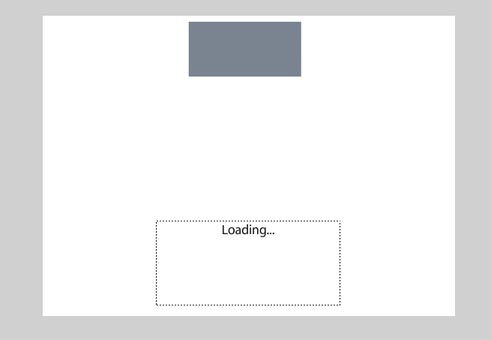
Then create an FLA and call it “Main.” Put a dyncamic text field on the stage with an instance name of myText and be sure to embed the font, uppercase, lowercase and punctuation. Then draw a rectangle and hit F8 to make it a movieClip and give it an instance name of myImageHolder.
Then create an AS layer and paste in this code:
// create the XML variable
var xml:XML = new XML();
// you must ignore whitespace
xml.ignoreWhite = true;
// the function that is called when the xml is loaded
xml.onLoad = function() {
// tells you the number of child nodes
 var nodes = this.firstChild.childNodes;
// tells you how many items you have
 numOfItems = nodes.length;
 // attach icons
 for (var i = 0; i<numOfItems; i++) {
  // attach image to the myImageHolder MovieClip
  myImageHolder.loadMovie(nodes[i].attributes.image);
  // set the text
  myText.text = nodes[i].attributes.caption;
 }
};

// load the xml
xml.load("xml/images.xml");
If you run this you will see that the content is now populated from the xml page.
Simple as that! Remember, in coding and designing there is always an increasingly difficult way of doing things and a elequently simple way. Keeping it simple makes debugging a quick and painless process and always assume you will have to debug at some point in your designing life.