Feed Styler logo courtesy of Brett Terpstra from Circle Six Design.
In this short tutorial, I will show you how easy it is to float an image in your feed. Here are the steps necessary to style images using Feed Styler. It should also be noted that Feed Styler is only for WordPress users. The following example assumes the user is not using the visual editor.
Let’s write a post
The following post contains some sample paragraph text and is what the post would look like in a feed reader.
Let’s add in an image
The following image is the same post with an image added. Again, this is how the post would look like in a feed reader unstyled.
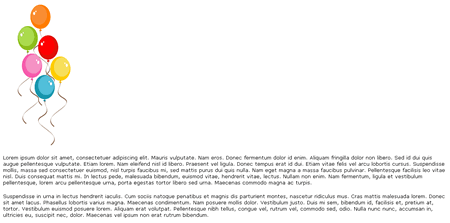
Here is the code to add in the image. Please note that I gave the image a class name of right.
[html]

[/html]
Let’s add in the style to Feed Styler
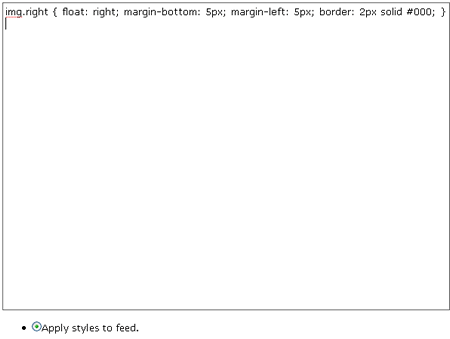
Shown below is the code to enter into Feed Styler. A screenshot is also shown of the same code entered into the plugin.
[css]img.right { float: right; margin-bottom: 5px; margin-left: 5px; border: 2px solid #000; } [/css]
Re-save the post
Because WordPress caches its feed, it is necessary to force WordPress to re-cache the feed in order for the styles to be reflected. This step isn’t necessary, but it allows you to have your feed styled right away. If this step is skipped, the feed will be styled after you publish your next post.
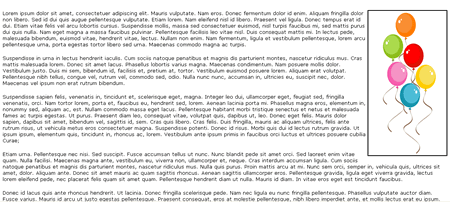
View the result
Conclusion
I hope this post demonstrated how easy it is to style images in Feed Styler. Thanks for reading.