Sixteen days until Christmas, time to get those digital Christmas cards designed and e-mailed. It’s equally personal to design your own card from yourself or your company to mail to others as it is sending a regular card signed by you. Personally I tend to do both, digital and regular card.
The holiday season is a perfect excuse to spend hours(more then you already do) in Photoshop designing and trying out new things. You’ll do extra your best knowing you’ll be sending the results to friends, family and clients.
With some seasonal colors, a nice Christmas saying besides the usual, “Merry Christmas” and with a great Photoshop tutorial you can create wonderfully funny ecards. Instead of e-mailing the card, you can post it on Twitter, Facebook and your website.
I selected some easy and great tutorials to help you along in creating your own personal Christmas card.
Merry Christmas Tree Design

Creative Christmas Card

We wish you a Merry Christmas

How to Create an Enchanted Holiday Ornament Design

Design an Awesome Christmas Tree

Create a Beautiful Christmas Card
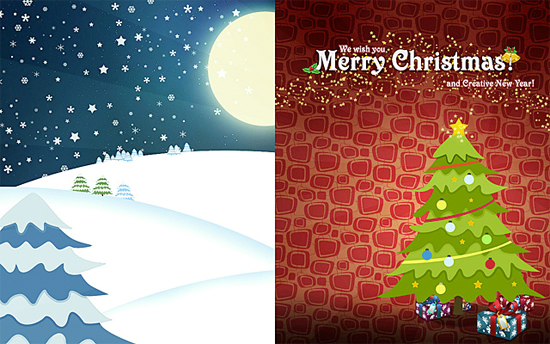
3D Snow Globe

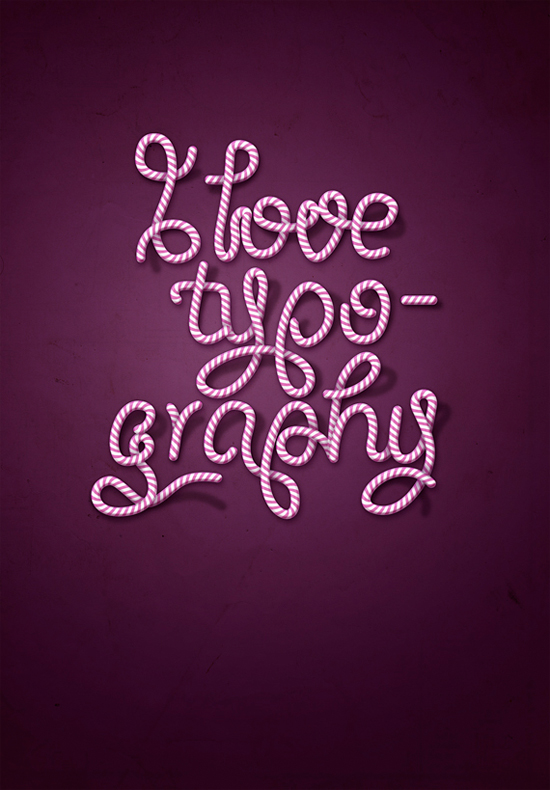
How to Create Candy Cane Typography with Photoshop and Illustrator
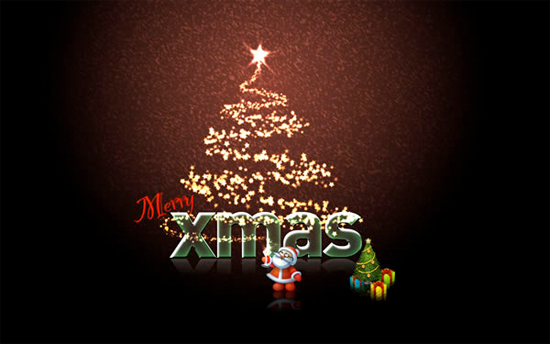
How to Create That Last-Minute Holiday e-Card in Photoshop
How to Create a Simple Snowman GIF Animation

Snow on Text

Taking some tips and tricks from a couple of tutorials to create this simple greeting card. Snow on text is a classic and favorite of mine.
